PhotoCraft: edit PSDs and photos online.
Open PhotoCraft in your browser, edit photos and PSDs with layers, masks and color adjustments, then download your work. No installation or account required.
- Free & open source
- Files stay on your device
- No sign-up
Supported file formats
- PSD
- PSB
- PNG
- JPEG
- TIFF
- WebP
What is PhotoCraft?
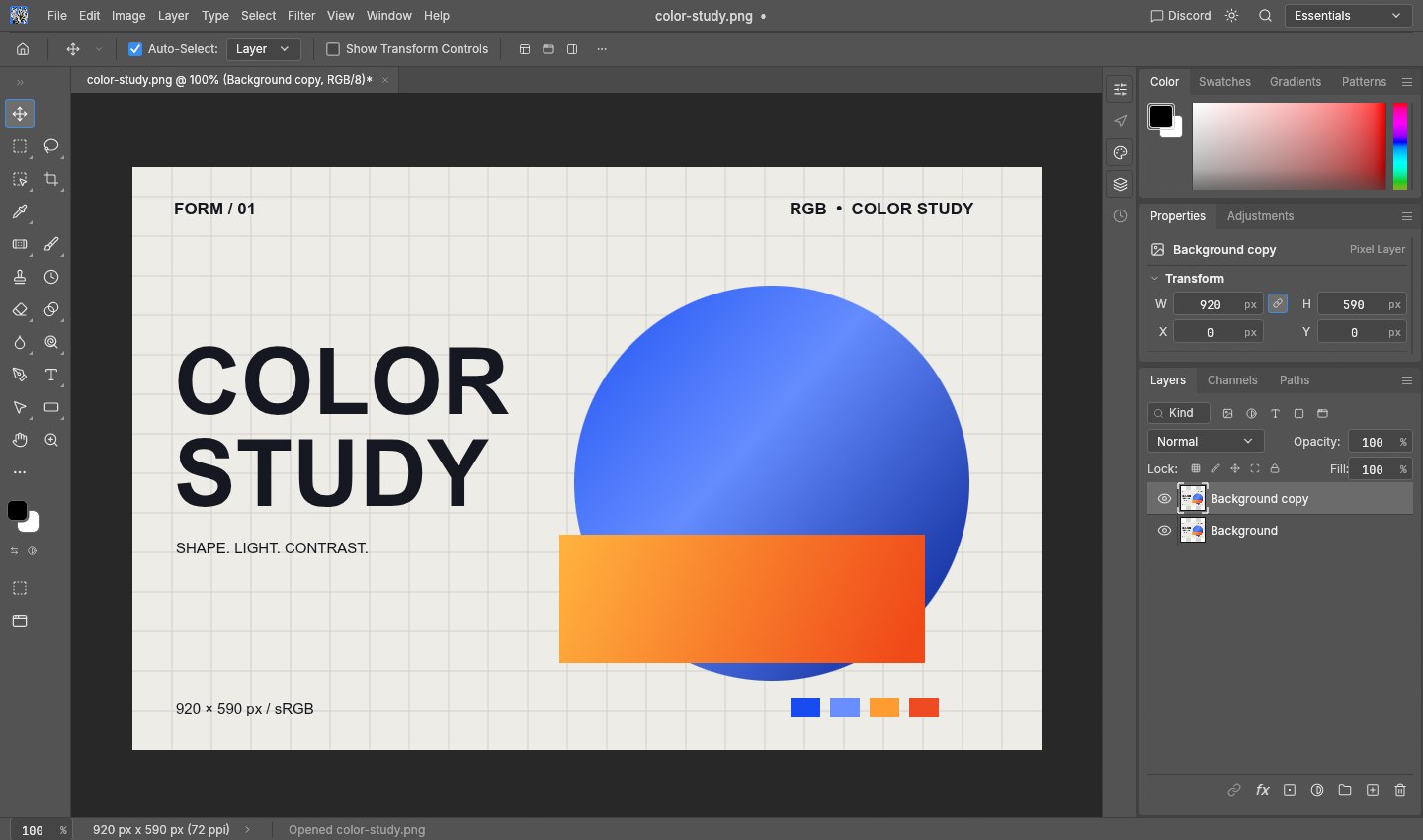
PhotoCraft is a free, open-source photo editor with layers, masks, selections and PSD support. Its browser version runs on your device, so you can open an image, edit it and export the result without installing a desktop app. PhotoCraft is in early alpha; check copies of complex files before relying on them.
Use PhotoCraft is an independent website hosting the official stable browser build. You can use the editor here, follow our practical guides, or get the source code and desktop releases from the upstream project. We are not affiliated with ArtCraft or the PhotoCraft team.
The tools you already know.
- Layers, masks & selections
- Combine images, isolate parts of a layer, and control how layers blend.
- Curves, levels & adjustments
- Adjust exposure, contrast and color. Use adjustment layers to keep changes editable.
- PSD editing & image export
- Open layered PSD files and export images. PhotoCraft is in alpha; check complex documents before relying on them.
PhotoCraft guides: edit, save and change language
All guidesHow to use PhotoCraft online: your first edit
Open an image or PSD, change a layer, undo a mistake and download a PNG. Follow this PhotoCraft tutorial with a free three-layer practice file.
How to change the language in PhotoCraft
Learn how PhotoCraft chooses its menu language on first use, how to change it, and why Chinese, Japanese and Korean pages start with English menus.
Open a PSD online and export it as PNG with PhotoCraft
View and edit PSD layers in your browser, then download a PNG. Learn what flattening means and what to check before relying on PSD compatibility.
PhotoCraft vs Photoshop: a free online alternative?
Need layers, photo edits or a quick PSD-to-PNG export without installing software? See when PhotoCraft fits and when to keep your Photoshop workflow.
Download PhotoCraft: desktop apps or browser editor
Get PhotoCraft from official GitHub releases, choose a Windows, Mac or Linux package, check the download, or start editing in your browser without installing.
Your files stay on your device.
Images are processed in your browser; this site has no image upload service or accounts. Language, editor and analytics preferences are stored locally. Cloudflare’s cookie-free Web Analytics measures visits and performance. If you allow it, Google Analytics uses cookies to measure visits and editor loading; we do not send it your images or local filenames. Change your choice in Analytics settings. The hosting provider may also keep access logs.
Before you start
Open editorIs it free?
Yes. This website is free to use. PhotoCraft is open source under MIT / Apache-2.0 licenses.
Does the editor use the website language?
On first use, editor menus follow the website language where supported. Chinese, Japanese and Korean pages currently start with English menus. To choose a different menu language, open Edit → Preferences → Interface and find Language in the Presentation section. Saved editor choices take priority.
Where are files saved?
Save and Export download files to your device. Save before closing the tab. This browser build has no cloud save or document recovery.
Which browsers work?
Use a recent desktop browser with WebGPU or WebGL2. If the canvas is blank, open Help and try compatibility mode. Performance depends on your device and document size.
Is PhotoCraft safe to use?
This site processes images on your device, but that is not a complete security guarantee. Check official sources for downloads, keep original files, and save before closing: this browser build has no document recovery. Our guide explains checksums, network requests and the limits of our testing.
Who makes PhotoCraft? Is this the official site?
PhotoCraft is an open-source project from ArtCraft and its contributors, with source code at storytold/photocraft on GitHub. Use PhotoCraft independently hosts its browser build. We are not affiliated with ArtCraft or Adobe; PhotoCraft is a separate product from Photoshop.
Can it replace Photoshop for every project?
No. PhotoCraft is in early alpha. Features and PSD compatibility vary. Test copies of important files before using it for production work.